Scrap Causes
Purpose
Scrap causes define why parts are rejected at a machine. They map numeric indices to human-readable, multilingual descriptions.
This improves dashboards and analyses by showing meaningful texts instead of raw IDs.
What a scrap cause contains
- Cause index: numeric identifier from the machine data
- Station number (optional): station reference
- Station text (optional): human-readable station label
- Cause description per language
Steps (add or edit a scrap cause)
- Open Settings > Machines.
- Select the machine.
- Open Scrap causes.
- Select an existing cause to edit, or select Add cause.
- Update index, station details (if used), and texts per language.
- Select Save.
Steps (import scrap causes from Excel)
- Open Settings > Machines > [Machine] > Scrap causes.
- Select Import (if available).
- Choose the Excel file and worksheet.
- Map columns, typically:
- index
- station number
- station text
- language columns
- If available, decide whether to enable automatic station number detection.
- Review the preview and confirm the import.
What users see
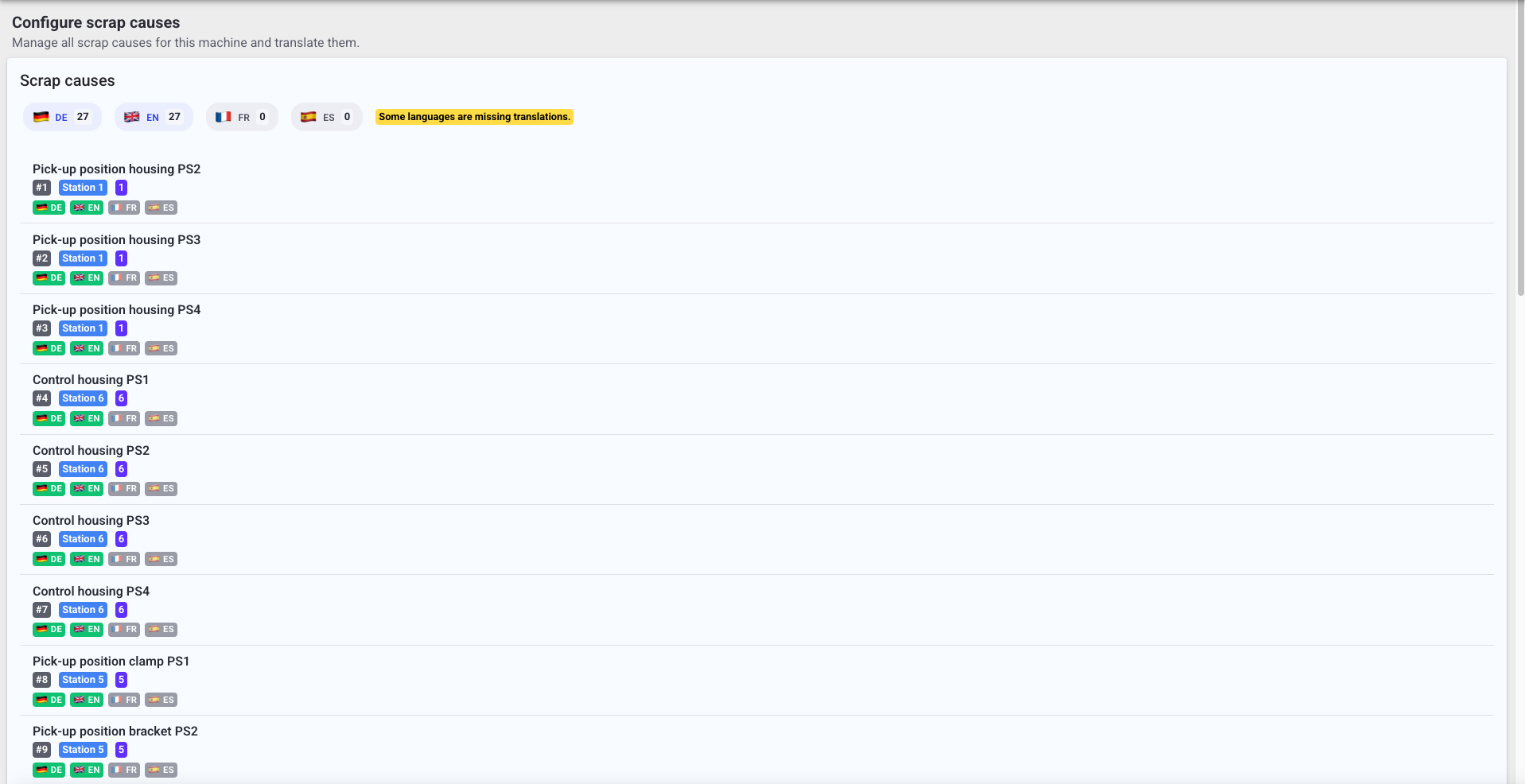
- A list of scrap causes for the selected machine.
- Multilingual text inputs for descriptions.
- Optional Excel import with column mapping and preview.
Best practices
- Avoid generic texts like
-,n/a, or empty descriptions. - Keep naming consistent so quality and scrap analysis stays comparable over time.
- Review translations when you add new languages to the deployment.
Troubleshooting
- Scrap analysis shows only numbers -> Scrap causes not configured -> Add or import scrap causes -> Escalate with the machine name and example indices if you cannot access Settings
- Import overwrote existing values unexpectedly -> Import settings replaced your list -> Restore from a known-good configuration file -> Escalate to an admin if you need rollback help