Endpoints
Purpose
An endpoint is the OPC UA server the connector talks to. Each connection has one active endpoint; you configure its address and security here.
Endpoint fields
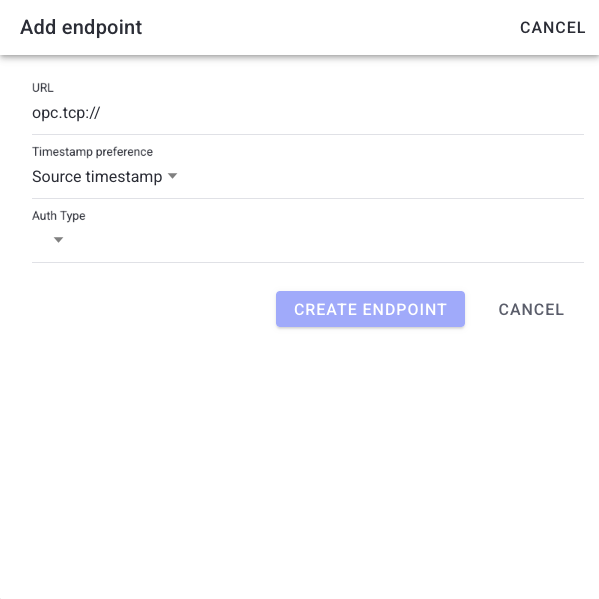
- URL — the OPC UA server address (for example
opc.tcp://host:4840). - Security mode — the OPC UA message security mode (e.g. None, Sign, Sign & Encrypt).
- Security policy — the cryptographic policy that pairs with the security mode.
- Timestamp preference — whether values use the server timestamp or the client timestamp. Use the client timestamp when the server clock is unreliable.
Steps
- Open a connection from OPC UA Connections.
- In the Endpoint card, edit the URL and security fields, or assign a different endpoint.
- Save. Unsaved changes are flagged until you confirm.
- If the connector does not pick up the change, use Reinitialize (in the connection actions) to restart the endpoint.
What users see
An endpoint card showing the assigned endpoint, its URL and security summary, and an unsaved-change indicator when edited. A Reinitialize action restarts the endpoint connection.
Troubleshooting
- Endpoint won't connect -> Wrong URL or security mismatch -> Verify URL, security mode, and policy match the server -> Check the Logs for the connection error.
- Values have odd timestamps -> Server clock unreliable -> Switch Timestamp preference to the client timestamp.